
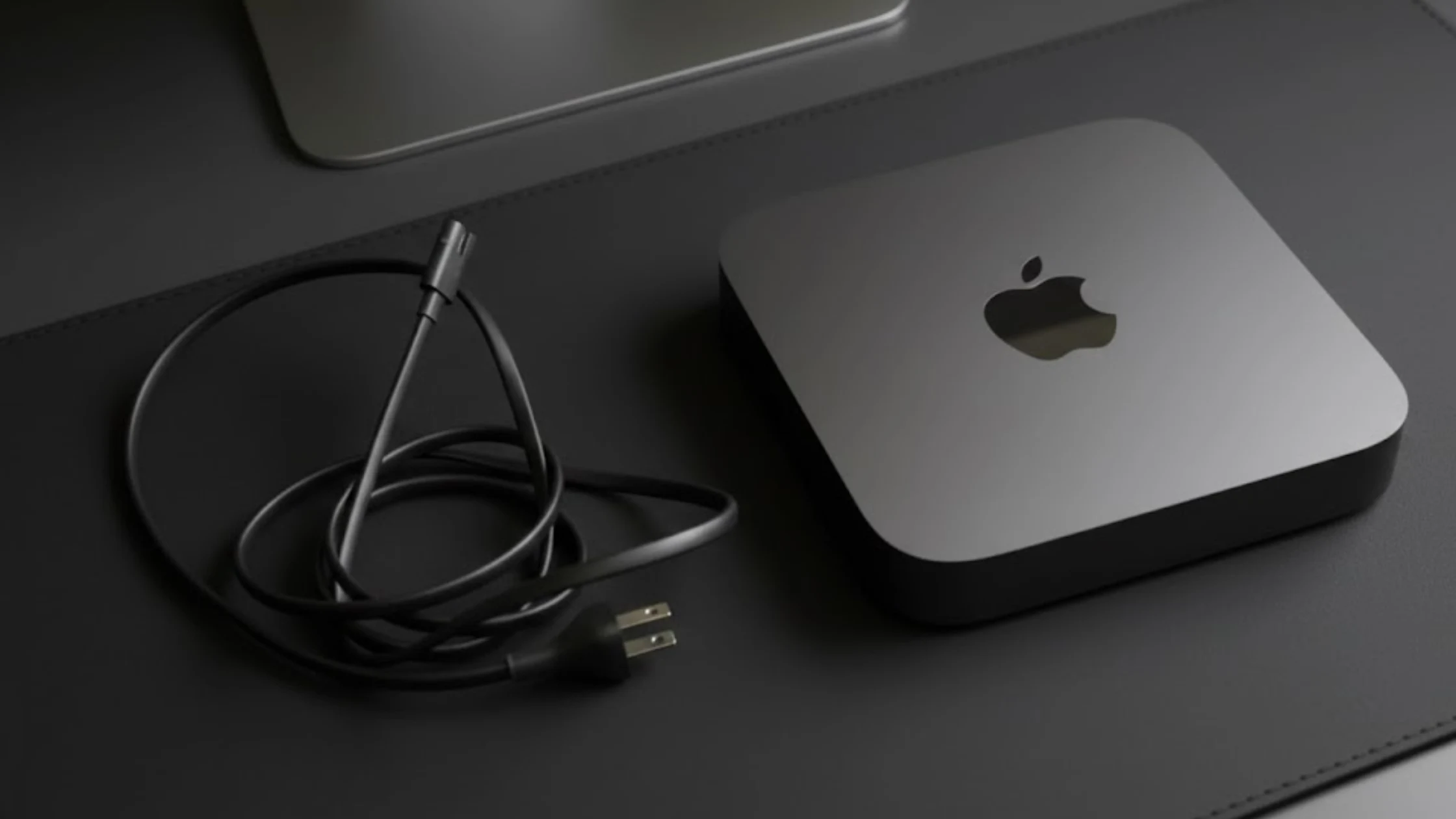
So you’re thinking about a new computer. A Mac mini, maybe. That little square box from Apple. It doesn’t look like much. It sits there, quiet and humble. No fancy screen attached. Just a metal cube. But inside? Pure, uncut Apple silicon. This is a powerhouse in a lunchbox.
It is not a computer that screams for attention. It’s a computer that gets the job done. Whether you’re looking at the Apple Mac Mini M2, the beastly Mac Mini M2 Pro, or the latest rumored Mac Mini M4, this tiny machine packs a serious punch.
We’ll break down the specs, price, and see how it stacks up in a Mac Mini vs Mac Studio or Mac Mini vs iMac debate. Let’s get into this review. No fluff. Just the good stuff.
Mac mini — Models & Technical Specifications
Tables below list key hardware details for recent Mac mini generations (chip options, memory/storage ranges, ports, display support, wireless, size/weight, and power).
Mac mini (2024)
Chip options: M4 / M4 Pro| Model / Chip | CPU / GPU / Neural | Unified Memory | SSD Storage | Display Support | Ports & Expansion | Wireless & Ethernet | Size / Weight | Power |
|---|---|---|---|---|---|---|---|---|
| Mac mini (M4) |
|
|
|
|
|
|
|
|
| Mac mini (M4 Pro) |
|
|
|
|
|
|
|
|
Mac mini (2023)
Chip options: M2 / M2 Pro| Model / Chip | CPU / GPU / Neural | Unified Memory | SSD Storage | Display Support | Ports & Expansion | Wireless & Ethernet | Size / Weight | Power |
|---|---|---|---|---|---|---|---|---|
| Mac mini (M2) |
|
|
|
|
|
|
|
|
| Mac mini (M2 Pro) |
|
|
|
|
|
|
|
|
What Is The Mac Mini, Anyway? (And Who Is It For?)
Picture this. You have a gorgeous monitor from a previous life. A great keyboard. A mouse you love. You don’t want to throw them out. Enter the Mac mini. It’s just the computer brain. You bring the rest. This is its biggest superpower and its biggest hurdle.
It’s for the savvy user. The person who wants Apple’s slick macOS and screaming performance without paying for a built-in screen they don’t need. Think of it as the ultimate Lego block for your desk.
- The Budget-Conscious Pro: You want M2 or M4 chip power, but the price is way lower than a MacBook Pro.
- The Upgrader: You’re moving from an old Windows PC or Intel Mac. You keep your favorite gear. The setup is plug-and-play.
- The Space Saver: Your desk is a sacred zone. This thing hides behind a monitor. It’s almost invisible.
- The Specialist: You need a dedicated machine for one thing. Music production. Video editing. Coding. The Mac Mini can be that focused tool.
Is it worth it? For these people, 100%. It’s the most computer you can get for the least amount of Apple-money.
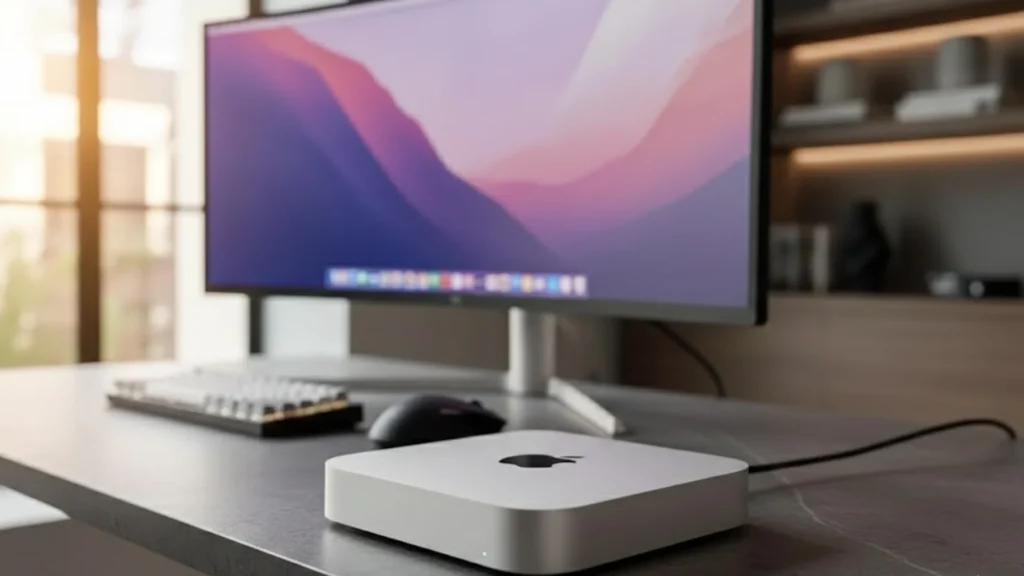
Under the Hood: M2, M2 Pro, and the M4 Future
Let’s talk guts. The specs start with the chip. It is everything.
The base model has the standard Apple Mac Mini M2 chip. It’s a rocket. I know a graphic designer who runs Adobe Illustrator, Photoshop, and has fifty Chrome tabs open. Her M2 doesn’t even blink. The fan? You’ll forget it has one. The fan noise is basically a non-issue. Overheating? With Apple silicon, that’s a tale from the ancient Intel days.
Then there’s the M2 Pro. It is for the power-hungry—video editors cutting 8K streams. Developers running multiple virtual machines. The Pro chip adds more CPU and GPU cores. It turns the little box into a genuine desktop contender. The performance jump is real.
And the future? Rumors of a Mini M4 are swirling. It will likely follow the new iPad Pro’s lead. Even more power. Even better efficiency. If you can wait, maybe do. But the M2 is so good, it’s hard to feel left behind.
A quick note on power consumption. It’s staggeringly low. This thing sips electricity compared to a roaring gaming PC. Your electricity bill will barely notice it.
The Real-World Showdown: Mac Mini vs. Everyone
You don’t buy a computer in a vacuum. You compare. Let’s get gritty.
Mac Mini vs iMac: The all-in-one vs. the bring-your-own. The iMac is beautiful. It’s simple. One plug and you’re done. But the screen is attached forever. When the computer gets old, the gorgeous screen goes with it. It lets you upgrade your monitor independently. More flexibility. Often, a lower starting price.
Mac Mini vs Mac Studio: This is the big league. The Mac Studio is the Mac Mini’s big, beefy brother. It has more ports. More power with M2 Max and Ultra chips. Better cooling for sustained, heavy loads. For 99% of people, the Mac Mini M2 Pro is plenty. The Studio is for the 1% doing extreme 3D rendering or feature film color grading. It’s a specialist’s tool.
Mac Mini vs Windows PC: This is a philosophy fight. With a Windows PC, you can shop around. Build your own. Endless configurations. It can be a messy, fun hobby. The Mac Mini is the opposite. Apple picks the recipe. You get a perfectly baked, seamless cake—no tinkering needed.
For office work, home use, and creative pros, the simplicity is a huge win. For hardcore PC gaming? Windows still rules that roost.
Making It Yours: The Ultimate Mac Mini Setup
It is where the fun begins. Your setup is personal. It’s an expression of your workflow.
First, you need the best monitor. Don’t pair this brilliant computer with a crappy screen. A 4K monitor is the sweet spot. Look for one with USB-C that can deliver power and video with one cable. Clean.
Next, input. The best keyboard and mouse are the ones you love. An Apple Magic Keyboard? Sure. A mechanical gaming keyboard? Go for it. The Mac doesn’t care.
Now, the real magic: expansion. The base model only has 256GB of storage. That fills up fast. You need the best external SSD. Get a Thunderbolt or USB4 drive. They’re blazing fast. Keep your projects on it. Your internal drive stays for the system and apps.
For the ultimate clean desk, get a docking station. Plug your monitor, external drives, and camera into the dock. One Thunderbolt cable from the dock to your Mac Mini. That’s it. When you need to take your laptop, you unplug one cable. Perfection.
Where It Shines: Use Cases That Make Sense
Let’s get specific. Is this box right for YOUR job?
- Mac Mini for Office Work / Home: The champion. Email, web, documents. It’s silent, fast, and tiny. The perfect family computer or WFH hub.
- Mac Mini for Video Editing: With the M2 Pro? Absolutely. It edits 4K like butter. Use Final Cut Pro or DaVinci Resolve. Keep your media on that fast external SSD. You’ll be stunned. Check the benchmarks; they’re legit.
- Mac Mini for Music Production: A studio favorite. Silent operation means no fan noise in your recordings. The M2 chip runs Logic Pro or Ableton with tons of plugins. I know a producer who replaced a giant, noisy Intel tower with a Mac Mini. His room got quieter, and his workflow got faster.
- Mac Mini for Coding: Developers love it. The Unix-based macOS is a coder’s dream. It runs smoothly, compiles code quickly, and you can run Linux or Windows virtually if you must. The performance per dollar is exceptional.
- Mac Mini for Gaming: Here’s the painful flop. It’s not a gaming PC. Yes, some games run great. Apple’s Game Porting Toolkit is helping. But the library is limited. If gaming is your main thing, look elsewhere.
Smart Shopping: How to Buy a Mac Mini Without Regret
You’re sold. How do you buy smartly?
First, never pay full price. Seriously. Look for Mac Mini deals. Apple offers a student discount year-round. Other retailers run sales often—Hunt for that Mac Mini.
Consider Apple refurbished. It is a secret weapon. These are checked, given a new shell and battery, and come with the full warranty. They look and work like new. A Mac Mini refurbished can save you serious cash.
Even a used Mac Mini (like an M1 model) is a fantastic value. The M1 is still a tremendous chip. For most tasks, it’s more than enough.
My advice? Bump up the RAM. 8GB on the base model is its only real weakness. Go for 16GB if you can. Storage you can add externally later with that SSD.
The Final Verdict: A Tiny Titan
The Apple Mac Mini is a paradox. It’s Apple’s most accessible computer. Yet, it’s also one of its most powerful. It asks you to meet it halfway with your own gear. In return, it gives you a silky-smooth, incredibly fast experience that works.
Pros: Unbeatable value. Crazy performance for its size. Silent. Power-efficient. Flexible.
Cons: You need to own a screen/keyboard/mouse. Base RAM is tight. Not for gamers.
It’s the computer for people who see a tool for what it does, not how it looks. It’s for the pragmatist. The creative. The code-wrangler. If your workflow lives in macOS, and you want a desktop that won’t shout, heat your room, or empty your wallet, the Mac Mini is waiting. It’s the big little computer that could. And it does.
Ready to build your perfect desk around one? Find a deal. Your old peripherals are waiting for a new brain.
Mac Mini FAQs
Q1: Can you really do professional video editing on a Mac Mini?
A: Absolutely. With the M2 Pro chip, the Mac Mini handles 4K and even 8K video editing in Final Cut Pro or DaVinci Resolve with ease. Use a fast external SSD for your media files, and it’s a pro-grade setup.
Q2: Is the base model Mac Mini with 8GB of RAM enough?
A: For very basic tasks like web browsing and documents, yes. But for longevity and any serious work like photo editing, coding, or multi-tasking, 16GB of RAM is a strongly recommended upgrade. It’s the smarter long-term buy.
Q3: What’s the best monitor to pair with a Mac Mini?
A: Look for a 4K (Ultra HD) monitor with a USB-C port that supports “Power Delivery.” It lets you connect and power the Mac Mini with a single cable. Brands like LG, Dell, and Samsung make great options for this.
Q4: How is the Mac Mini different from a MacBook Air?
A: The MacBook Air is a complete, portable laptop with a battery, screen, and keyboard. The Mac Mini is just the desktop computer brain. It’s more powerful for the price and stays on your desk, but you need to supply your own display, keyboard, and mouse.
Q5: Where can I find the best discounts on a Mac Mini?
A: Check Apple’s official Refurbished store first for the best deals with a full warranty. Also watch for sales at major retailers like Amazon, Best Buy, and B&H Photo. Always check for Apple Education Pricing if you’re a student or teacher.
References:
- Apple.com Mac Mini Tech Specs
- Independent benchmark data from Ars Technica and Geekbench browser.
- Industry analysis on Apple silicon efficiency from AnandTech.
- Real-world editing tests from creator channels on YouTube (e.g., Max Yuryev, Marques Brownlee).
Read More Tech informative blog: Solar Panel Kits
About the Author
